
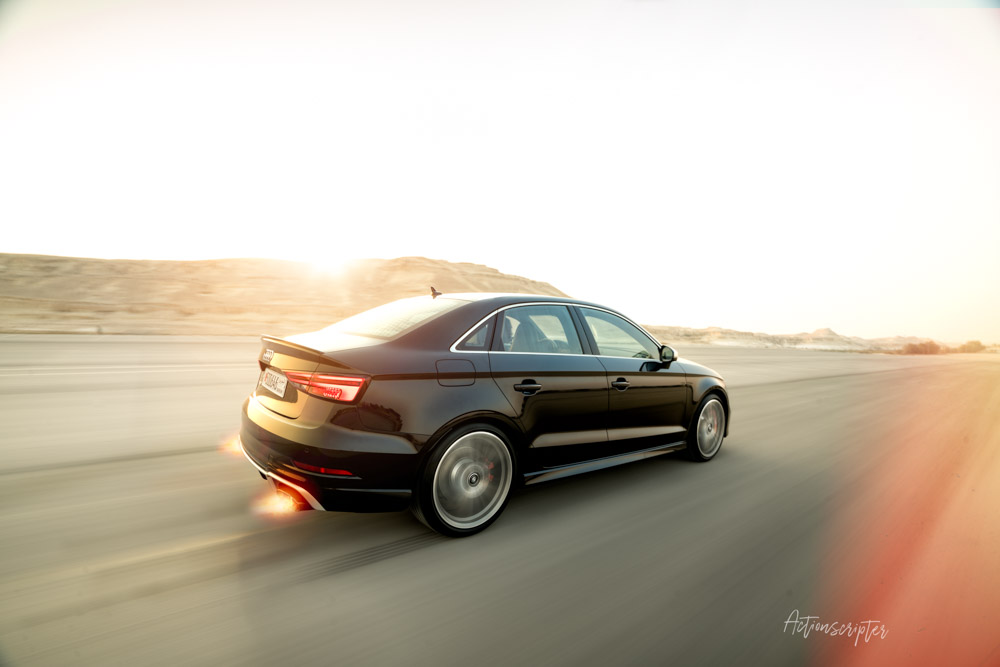
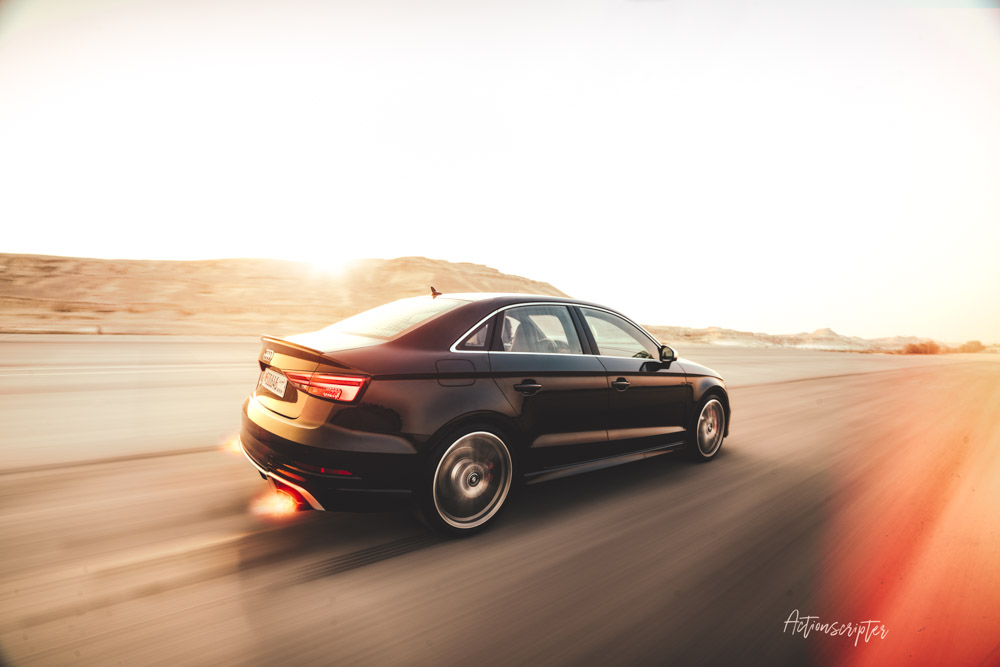
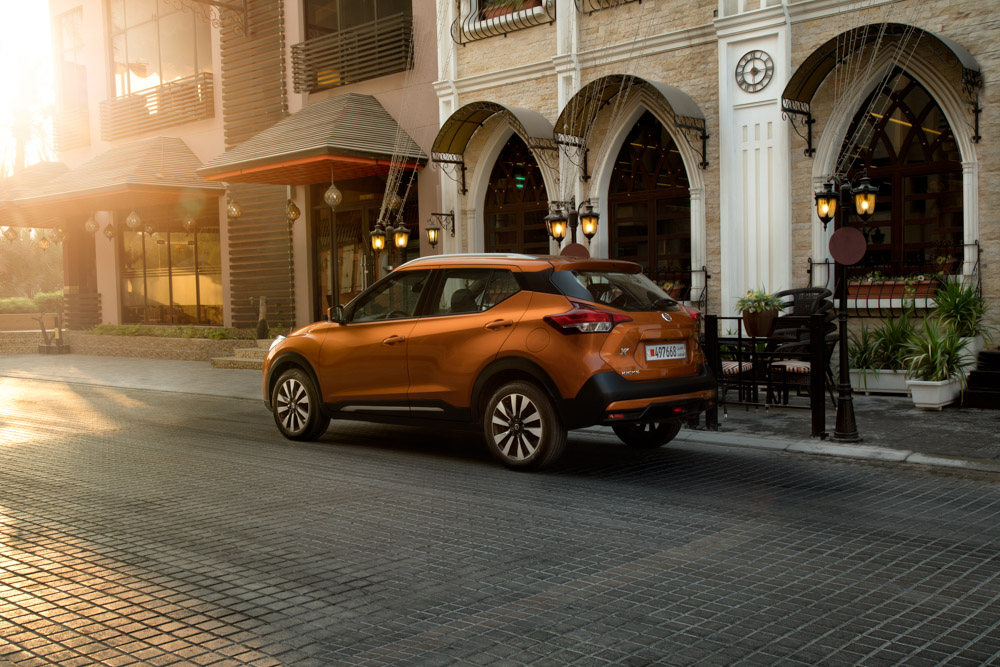
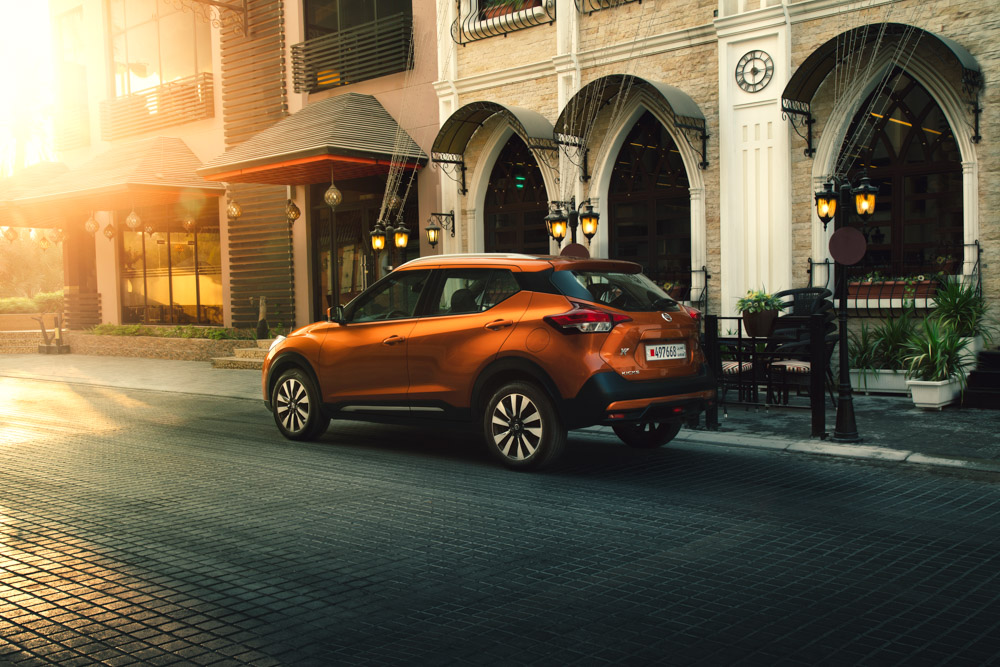
Two photos.
Same car. Same location.
One feels flat.
The other feels like a movie.
That difference?
Color grading.
After years of shooting supercars, classics, and performance cars around the GCC, I’ve learned one thing: Good color grading doesn’t scream; it feels right.
That’s why I made these LUTs.
What These LUTs Are (and Aren’t)
These are not trendy, overcooked presets.
They’re subtle, controlled, and designed to respect:
- Paint color accuracy
- Reflections and body lines
- Harsh sunlight and desert environments
- Urban night lighting
These are the same LUTs I use in my own workflow, refined over time and not just made to get clicks.
Why I’m Giving These Away
Most LUTs online fall into two categories:
Too aggressive
Made without understanding cars
Automotive photography is different.
Paint, reflections, curves, and light all matter. If the color grade is off, the car just looks wrong.
These LUTs were built for people who care about that.
No email traps.
No gimmicks.
Just real tools you can use.
How to Use Them (Photoshop)
- Open your image in Photoshop
- Make sure exposure & white balance are correct
- Go to Layer, then New Adjustment Layer, then Color Lookup
- Load the .cube LUT file
- Reduce opacity to taste
- Fine-tune with Curves if needed
Tip: LUTs are just a starting point, not the final step.
Works With:
- Photoshop
- Lightroom
- Premiere Pro
- DaVinci Resolve
- Final Cut Pro
You can use them anywhere that supports .cube LUTs.